Tools extend what your AI agent can do beyond answering questions. With tools, your agent can:
- Fetch data from external APIs (product info, order status, weather)
- Display rich content (product cards, carousels, tables)
- Collect information through interactive forms
- Trigger actions in your systems (create tickets, send notifications)
Ansa supports three types of tool execution:
| Type | Description | Use Case |
|---|
http | Makes HTTP requests to APIs | Fetch data, trigger webhooks |
form | Displays interactive forms | Collect user information |
mock | Returns static/templated responses | Testing, demos |
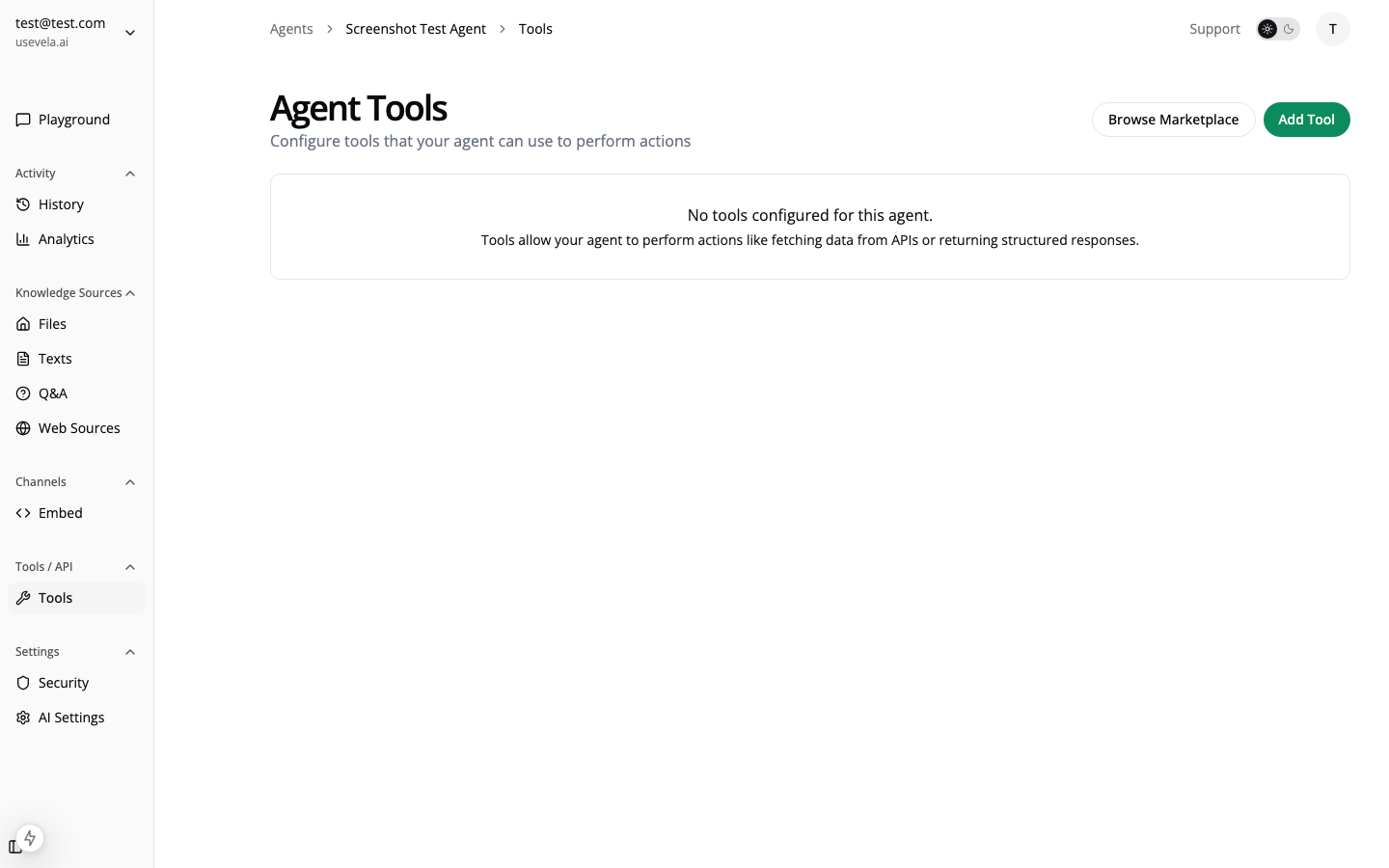
Navigate to Agent → Tools → Create Tool:
Basic Configuration
Every tool needs:
| Field | Description | Example |
|---|
| Name | Unique identifier (lowercase, underscores) | search_products |
| Description | When should the AI use this tool? | ”Search for products when user asks about items” |
| Input Schema | Parameters the tool accepts | See below |
Naming Conventions
Tool names must:
- Start with a letter or underscore
- Use only lowercase letters, numbers, and underscores
- Be unique within the agent
Pattern: /^[a-z_][a-z0-9_]*$/
✅ search_products, get_order_status, contact_form
❌ Search Products, get-order, 123tool
Define what parameters the AI should provide:
{
"type": "object",
"properties": {
"query": {
"type": "string",
"description": "The search term to look for"
},
"category": {
"type": "string",
"description": "Product category to filter by",
"enum": ["electronics", "clothing", "home"]
},
"limit": {
"type": "number",
"description": "Maximum number of results"
}
},
"required": ["query"]
}
Write clear descriptions for each property. The AI uses these to understand what values to provide.
When a user sends a message, the AI:
- Analyzes the user’s request
- Decides if a tool would help answer it
- Extracts the required parameters from the conversation
- Calls the tool with those parameters
- Processes the result and responds naturally
The AI decides to use a tool based on the tool’s description. Write descriptions that clearly explain when the tool should be used:
Good descriptions:
- “Search for products when the user asks about items, prices, or availability”
- “Look up order status when user provides an order number or asks about shipping”
- “Show the contact form when user wants to reach support or has an issue you cannot resolve”
Poor descriptions:
- “Product search” (too vague)
- “Use this tool” (no context)
LLM Provider Differences
Different AI providers handle tool calling differently:
These providers have built-in support for tools:
| Provider | Models | Reliability |
|---|
| Anthropic | Claude 3.5 Sonnet, Claude 3 Opus | Excellent |
| OpenAI | GPT-4o, GPT-4 Turbo, GPT-3.5 Turbo | Excellent |
| Google | Gemini Pro, Gemini Ultra | Good |
Text-Based Fallback (Ollama)
Local models via Ollama don’t have native tool calling. Ansa uses a text-based fallback:
- Tool definitions are injected into the system prompt
- The model is instructed to output JSON when using tools:
{"tool": "tool_name", "arguments": {"param": "value"}}
- Ansa parses the JSON from the response
Text-based tool calling is less reliable than native support. For complex tool use, prefer Claude or GPT models. Ollama works best for simple tools or when privacy is the priority.
Model Recommendations by Use Case
| Use Case | Recommended Model | Why |
|---|
| Complex tools | Claude 3.5 Sonnet | Best at multi-step tool use |
| E-commerce | GPT-4o | Fast, accurate product handling |
| Simple lookups | GPT-4o-mini | Cost-effective |
| Privacy-critical | Ollama (Llama 3.2) | Local, no data leaves server |
User Message
↓
AI analyzes request
↓
AI decides to use tool
↓
Ansa executes tool
├── HTTP: Makes API request
├── Form: Returns schema to widget
└── Mock: Returns templated response
↓
Result returned to AI
↓
AI generates natural response
↓
Response + rich display sent to user
Toggle tools on/off without deleting them:
- Enabled — AI can use this tool
- Disabled — Tool is hidden from AI
Useful for:
- Seasonal tools (holiday promotions)
- A/B testing different tools
- Temporarily disabling broken integrations
Organize your tools by purpose:
| Category | Examples |
|---|
| Data Lookup | Product search, order status, user info |
| Forms | Contact, lead capture, surveys |
| Actions | Create ticket, send notification |
| Display | Show pricing table, feature comparison |
Next Steps
See Also