

Overview
Submission actions (post-actions) run automatically after a form is submitted. Use them to:- Send data to your CRM or backend
- Notify your team via Slack
- Send email alerts to team members
- Trigger automation workflows
Action Types
Webhook Action
Send form data to any HTTP endpoint:Webhook Payload
The webhook receives a POST request with this JSON body:Custom Headers
Add authentication or custom headers:Retry Logic
Webhooks automatically retry on failure:
Status tracking:
pending— Initial statewebhook_success— Delivered successfullywebhook_failed— Failed after all retries
Slack Action
Send notifications to Slack channels:Getting a Slack Webhook URL
- Go to Slack API Apps
- Create or select an app
- Navigate to Incoming Webhooks
- Activate and create a new webhook
- Choose the channel to post to
- Copy the webhook URL
Message Templates
Use{{fieldName}} to include form values:
{{fieldName}}— Any form field value{{_toolName}}— The form tool’s name
Max Length
Message templates have a maximum length of 2,000 characters.Email Action
Email team members when forms are submitted:Configuration
Finding User IDs
User IDs are the team members in your account. Find them in:- Settings → Team — View team members
- Each member has a unique ID
Email Content
The email includes:- Form name and submission time
- All form field values
- Link to conversation history
- Conversation context
Multiple Actions
Combine multiple post-actions:Form Execution Modes
Control how form submissions are processed:Webhook Mode (Default)
Client Mode
Both Mode
Complete Example
Full form with all post-action types:Popular Integrations
Zapier
Make (Integromat)
HubSpot
Salesforce
Use Zapier or a middleware to transform the payload:Monitoring Submissions
View all form submissions in the Leads dashboard: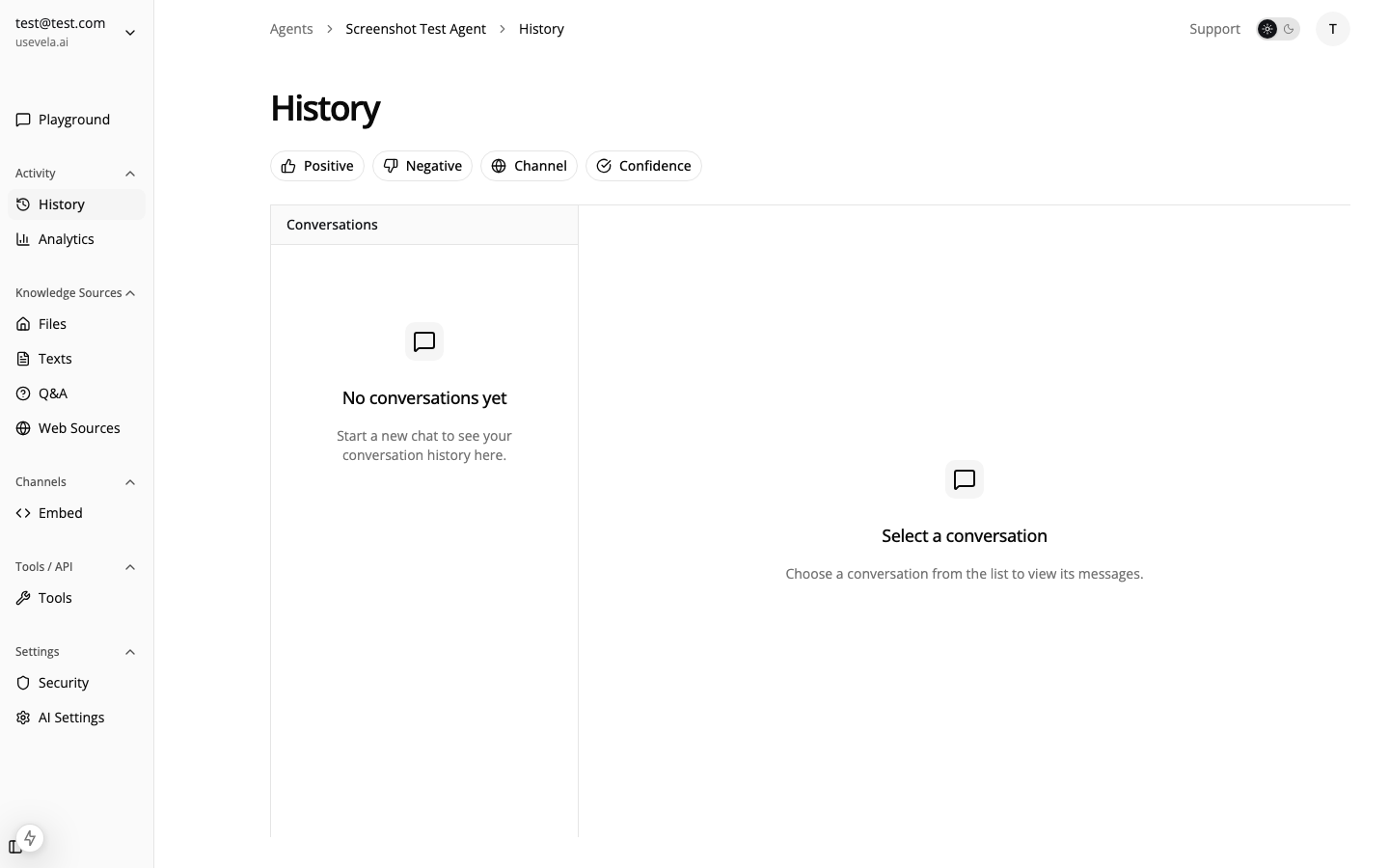
- Filter by form/tool
- View submission status (pending, success, failed)
- See full conversation context
- Export data for analysis
See Also
- Form Tools — Field types and validation
- Webhooks — Developer webhook documentation
- Leads & Forms — Managing submissions
- Triggering Forms in Code — Client-side handling