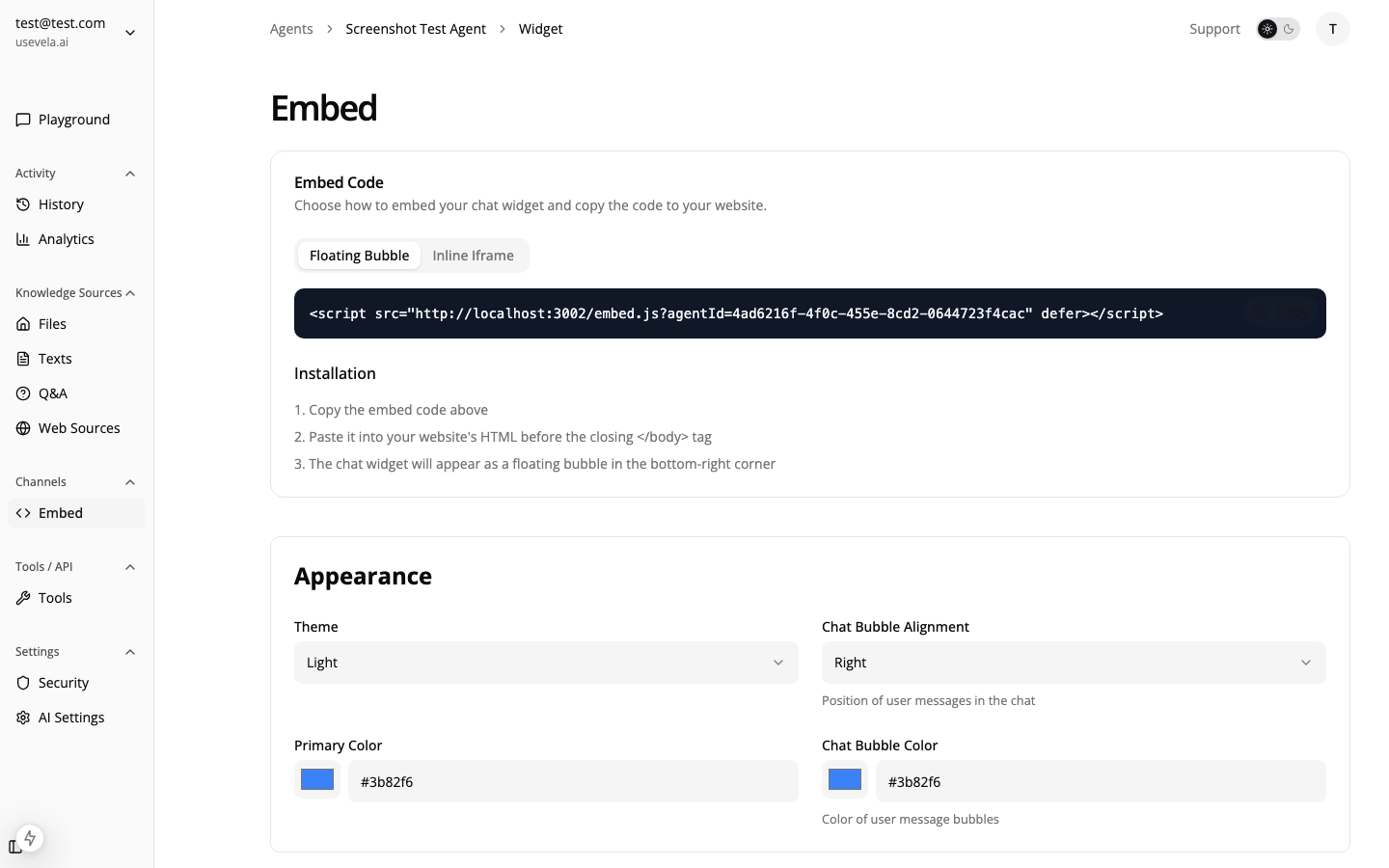
Overview
Ansa helps e-commerce businesses:
- Answer product questions instantly
- Look up orders and shipping status
- Reduce cart abandonment with smart triggers
- Connect to Shopify for real-time data
- Display products with rich carousels and cards
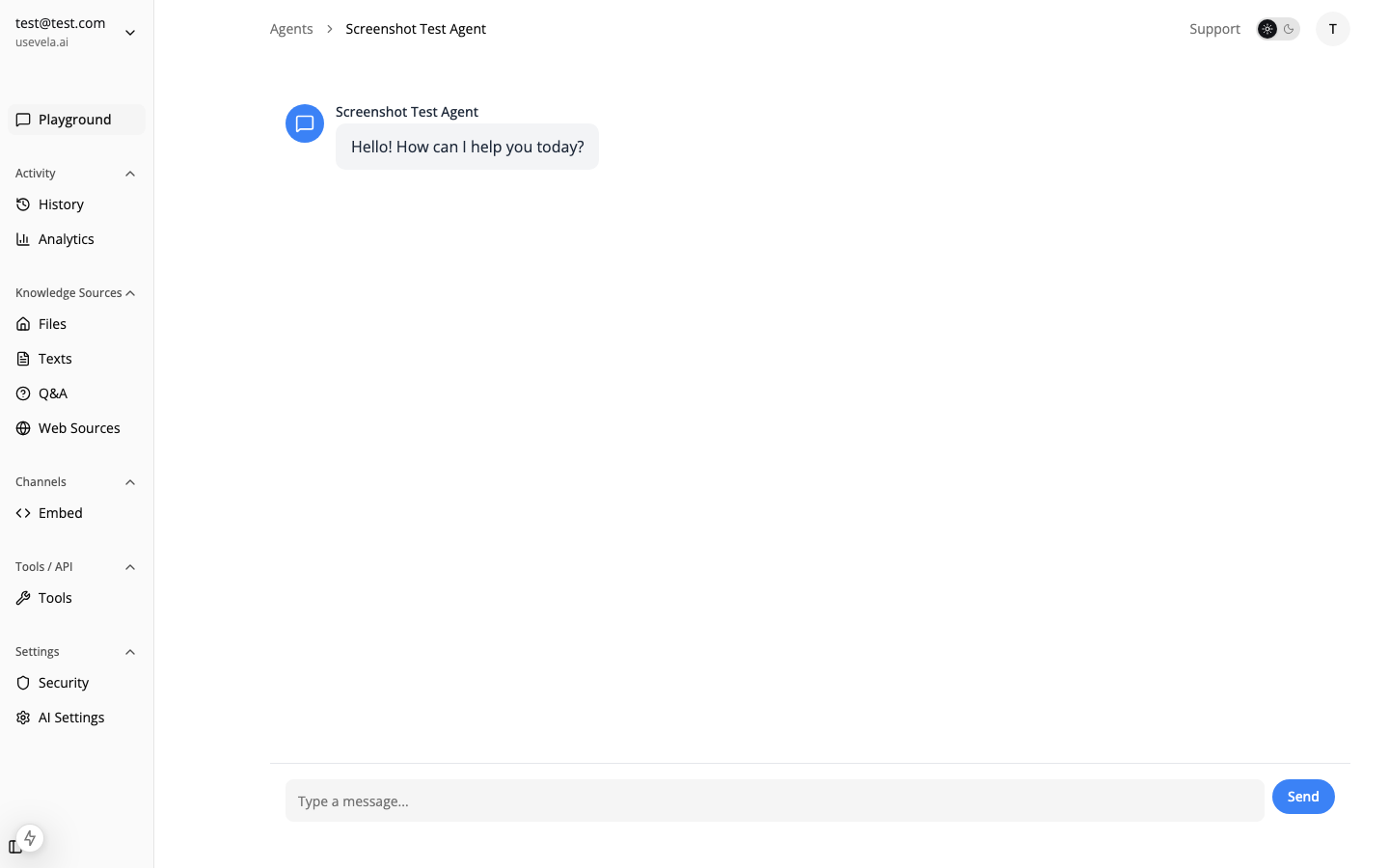
During onboarding, Ansa automatically detects your e-commerce platform:
| Platform | Detection Method |
|---|
| Shopify | CDN patterns, .myshopify.com, Shopify meta tags |
| WooCommerce | Plugin paths, wc_add_to_cart_params |
| Magento | Static asset versioning, module naming |
| BigCommerce | BCData, Stencil theme patterns |
When detected, Ansa automatically:
- Suggests relevant triggers (cart abandonment, product page engagement)
- Recommends product lookup tools
- Configures e-commerce-specific knowledge sources
Shopify Integration
Connect your Shopify store for real-time product, order, and customer data:
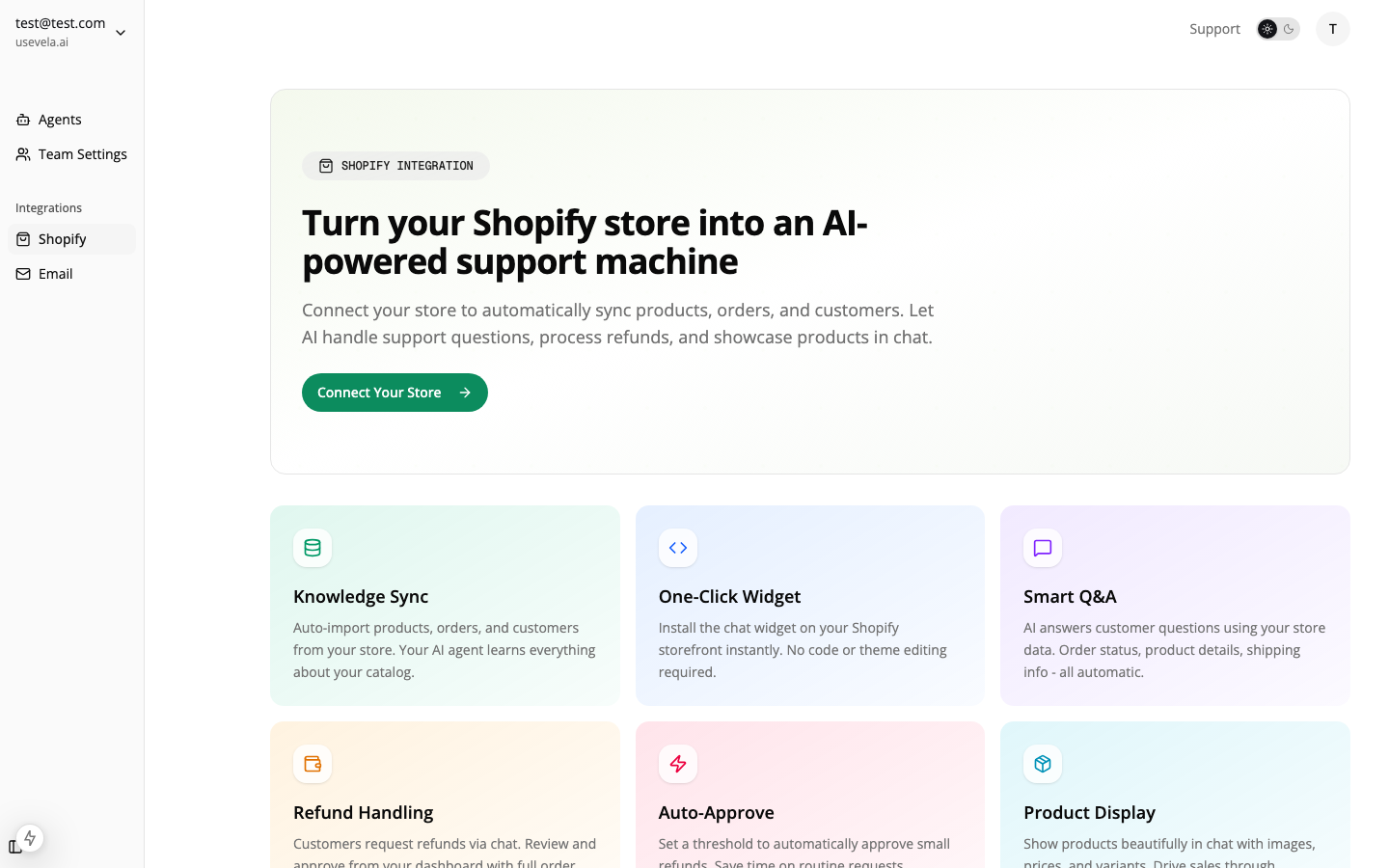
Setup
- Go to Settings → Integrations → Shopify
- Enter your store URL (e.g.,
your-store.myshopify.com)
- Install the Ansa app on Shopify
- Authorize the connection
Available Data
Once connected, your agent can access:
| Data Type | Use Case |
|---|
| Products | Answer questions about inventory, pricing, variants |
| Orders | Look up order status, shipping tracking |
| Customers | Personalize based on purchase history |
Create a tool that searches and displays products:
{
"name": "search_products",
"description": "Search for products when user asks about specific items, categories, or wants recommendations.",
"executionType": "http",
"httpUrl": "https://your-store.myshopify.com/admin/api/2024-01/products.json?title=${query}",
"httpMethod": "GET",
"httpHeaders": {
"X-Shopify-Access-Token": "${shopify_token}"
},
"displayConfig": {
"type": "product_carousel",
"fieldMappings": {
"title": "$.products[*].title",
"price": "$.products[*].variants[0].price",
"image": "$.products[*].image.src",
"url": "$.products[*].handle"
},
"options": {
"showPrice": true,
"showImage": true,
"showAddToCart": true
},
"textFallback": "Here are some products: {{products}}"
}
}
Use the Marketplace to install pre-built Shopify tools with one click. No configuration required.
Let customers check order status:
{
"name": "lookup_order",
"description": "Look up order status when customer provides an order number or email.",
"executionType": "http",
"httpUrl": "https://your-store.myshopify.com/admin/api/2024-01/orders.json?name=${order_number}",
"httpMethod": "GET",
"displayConfig": {
"type": "product_card",
"fieldMappings": {
"title": "Order #{{order_number}}",
"status": "$.orders[0].fulfillment_status",
"tracking": "$.orders[0].fulfillments[0].tracking_url"
}
}
}
Display Configuration
E-commerce responses work best with rich displays:
| Display Type | Use Case |
|---|
product_card | Single product details |
product_carousel | Multiple product recommendations |
table | Order history, comparison charts |
buttons | Quick actions (track order, contact support) |
See Display Configuration for full options.
Cart Abandonment Triggers
Reduce cart abandonment with strategic triggers:
Exit Intent on Cart Page
{
"name": "Cart Abandonment",
"triggerType": "exit_intent",
"conditions": {
"page": "/cart*"
},
"actionType": "open_chat",
"actionConfig": {
"message": "Leaving so soon? Let me know if you have any questions about your items!"
},
"triggerOnce": true
}
Time on Checkout
{
"name": "Checkout Help",
"triggerType": "time_on_page",
"conditions": {
"timeOnPage": 60,
"page": "/checkout*"
},
"actionType": "show_bubble",
"actionConfig": {
"message": "Need help completing your order?",
"duration": 10
}
}
Product Page Engagement
Engage visitors browsing products:
{
"name": "Product Questions",
"triggerType": "scroll_depth",
"conditions": {
"scrollDepth": 50,
"page": "/products/*"
},
"actionType": "show_bubble",
"actionConfig": {
"message": "Have questions about this product?",
"duration": 8
}
}
Custom Events for E-commerce
Track custom e-commerce events:
// When item added to cart
window.ansa.trigger('add_to_cart', {
productId: 'prod_123',
productName: 'Blue Widget',
price: 29.99
});
// When checkout started
window.ansa.trigger('checkout_started', {
cartValue: 89.97,
itemCount: 3
});
Then create triggers that respond to these events:
{
"triggerType": "custom_event",
"conditions": {
"event": "checkout_started",
"eventData": { "cartValue": { "$gt": 100 } }
},
"actionType": "show_bubble",
"actionConfig": {
"message": "You're eligible for free shipping! 🎉"
}
}
Customer Identification
Identify logged-in customers for personalized service:
// After customer login
window.ansa.identify({
userId: 'cust_456',
userMetadata: {
name: 'John Smith',
email: '[email protected]',
orderCount: 5,
lifetimeValue: 450.00,
preferredCategories: ['electronics', 'accessories']
}
});
Your agent can then provide:
- Personalized product recommendations
- Order history without asking for email
- Loyalty status and available discounts
See Also