Overview

Ansa helps marketing teams:
  • Capture leads through natural conversations
  • Qualify prospects with smart questions
  • Route leads to sales with full context
  • Automate follow-up notifications
  • Track conversion across the funnel
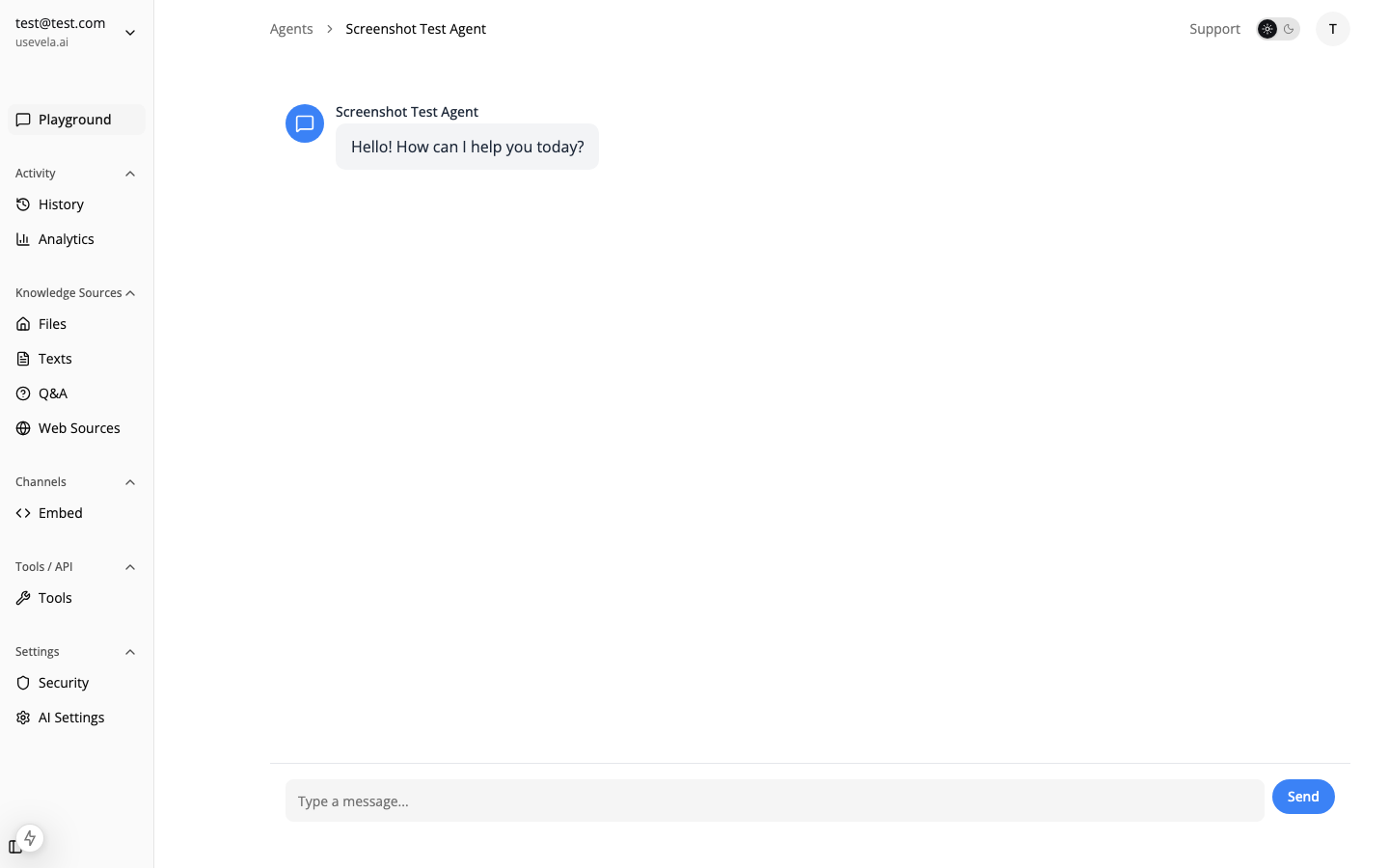
Lead generation chat

Lead Capture Strategy

Conversational vs. Direct Forms

Ansa supports both approaches:
ApproachWhen to Use
ConversationalVisitors with questions, need nurturing
Direct FormHigh-intent visitors, trigger-based capture
The AI agent naturally guides conversations toward qualification while answering questions, then shows a form when the visitor is ready.

Form Tool for Lead Capture

Create a comprehensive lead form:
{
  "name": "capture_lead",
  "description": "Use when visitor expresses interest in learning more, asks about pricing, or wants to be contacted.",
  "executionType": "form",
  "formSchema": {
    "fields": [
      {
        "name": "name",
        "label": "Full Name",
        "type": "text",
        "placeholder": "John Smith",
        "validation": {
          "required": { "value": true, "message": "Please enter your name" }
        }
      },
      {
        "name": "email",
        "label": "Work Email",
        "type": "email",
        "placeholder": "[email protected]",
        "validation": {
          "required": { "value": true, "message": "Email is required" },
          "pattern": {
            "value": "^[^@]+@[^@]+\\.[^@]+$",
            "message": "Please enter a valid email"
          }
        }
      },
      {
        "name": "phone",
        "label": "Phone Number",
        "type": "tel",
        "placeholder": "+1 (555) 123-4567"
      },
      {
        "name": "company",
        "label": "Company",
        "type": "text"
      },
      {
        "name": "role",
        "label": "Your Role",
        "type": "select",
        "options": [
          { "label": "Executive", "value": "executive" },
          { "label": "Manager", "value": "manager" },
          { "label": "Individual Contributor", "value": "ic" },
          { "label": "Other", "value": "other" }
        ]
      },
      {
        "name": "interest",
        "label": "What are you interested in?",
        "type": "multiselect",
        "options": [
          { "label": "Product Demo", "value": "demo" },
          { "label": "Pricing Information", "value": "pricing" },
          { "label": "Technical Questions", "value": "technical" },
          { "label": "Partnership", "value": "partnership" }
        ]
      },
      {
        "name": "message",
        "label": "Anything else we should know?",
        "type": "textarea",
        "placeholder": "Tell us about your use case..."
      }
    ],
    "submitLabel": "Get in Touch",
    "successMessage": "Thanks! Our team will reach out within 24 hours."
  },
  "formPostActions": [
    {
      "type": "webhook",
      "url": "https://hooks.zapier.com/hooks/catch/123/abc",
      "headers": { "Content-Type": "application/json" }
    },
    {
      "type": "slack",
      "webhookUrl": "https://hooks.slack.com/services/...",
      "messageTemplate": "🎯 *New Lead!*\n\n*Name:* {{name}}\n*Email:* {{email}}\n*Company:* {{company}}\n*Role:* {{role}}\n*Interest:* {{interest}}\n*Message:* {{message}}"
    },
    {
      "type": "email",
      "recipientIds": ["sales-team-user-id"],
      "subject": "New Lead: {{name}} from {{company}}"
    }
  ]
}

Trigger-Based Lead Capture

Use triggers to engage high-intent visitors at the right moment:

Exit Intent on High-Value Pages

Capture visitors about to leave your pricing or demo pages:
{
  "name": "Pricing Exit Capture",
  "triggerType": "exit_intent",
  "conditions": {
    "page": "/pricing*"
  },
  "actionType": "show_form",
  "actionConfig": {
    "toolId": "capture_lead_tool_id",
    "message": "Before you go — want us to send you a custom quote?"
  },
  "triggerOnce": true,
  "priority": 10
}

Time-Based Engagement

Engage visitors who spend time reading:
{
  "name": "Content Engagement",
  "triggerType": "time_on_page",
  "conditions": {
    "timeOnPage": 45,
    "page": "/blog/*"
  },
  "actionType": "show_bubble",
  "actionConfig": {
    "message": "Want more insights like this? Let's chat!",
    "duration": 10
  }
}

Scroll Depth Trigger

Capture engaged readers:
{
  "name": "Whitepaper CTA",
  "triggerType": "scroll_depth",
  "conditions": {
    "scrollDepth": 75,
    "page": "/resources/*"
  },
  "actionType": "open_chat",
  "actionConfig": {
    "message": "Enjoying this content? I can answer any questions or send you related resources."
  }
}
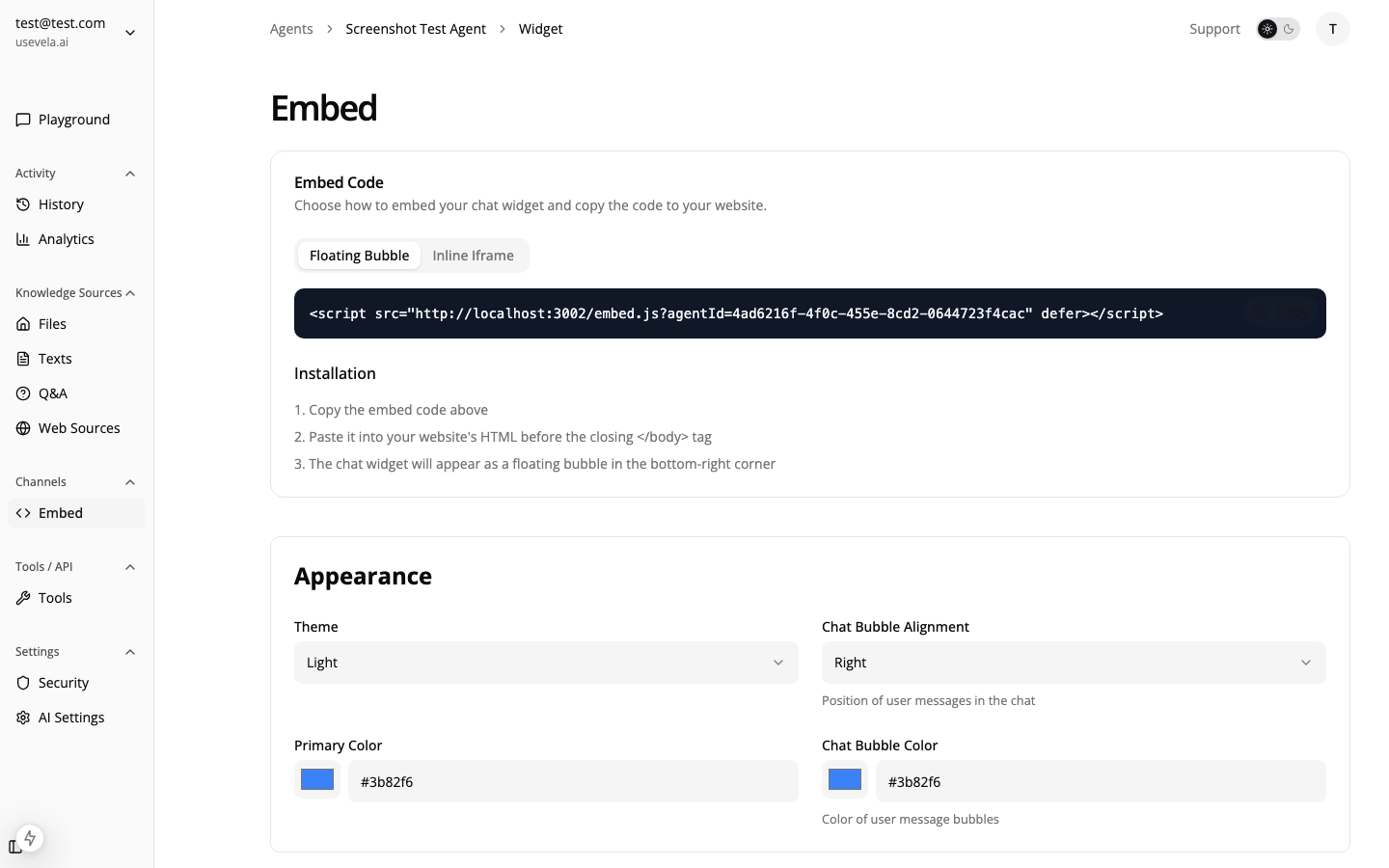
Trigger configuration

Progressive Profiling

Use user identification to pre-fill forms and progressively collect data:
// First visit - basic info
window.ansa.identify({
  userId: 'anon_123',
  userMetadata: { source: 'blog' }
});

// After first form submission - more data
window.ansa.identify({
  userId: 'lead_456',
  userMetadata: {
    name: 'Jane Smith',
    email: '[email protected]',
    company: 'Acme Inc'
  }
});
Form fields can use templates to pre-fill:
{
  "name": "email",
  "type": "email",
  "defaultValue": "{{user.email}}"
}

Lead Scoring with Custom Events

Track high-intent actions to score leads:
// Track key behaviors
window.ansa.trigger('pricing_viewed', { plan: 'enterprise' });
window.ansa.trigger('demo_video_watched', { duration: 180 });
window.ansa.trigger('competitor_comparison_viewed');
window.ansa.trigger('case_study_downloaded', { title: 'Enterprise Success' });
Create triggers that respond to high-intent signals:
{
  "triggerType": "custom_event",
  "conditions": {
    "event": "pricing_viewed",
    "eventData": { "plan": "enterprise" }
  },
  "actionType": "open_chat",
  "actionConfig": {
    "message": "I see you're looking at our Enterprise plan. Would you like me to connect you with our enterprise team for a custom quote?"
  }
}

CRM & Marketing Automation

Webhook Integration

Connect to any CRM or marketing platform:
{
  "type": "webhook",
  "url": "https://api.hubspot.com/contacts/v1/contact",
  "headers": {
    "Authorization": "Bearer ${hubspot_api_key}",
    "Content-Type": "application/json"
  }
}
Popular integrations:
  • HubSpot
  • Salesforce
  • Marketo
  • Mailchimp
  • ActiveCampaign
See Webhooks for payload structure.

Zapier/Make Integration

Use webhook post-actions to connect to Zapier or Make for complex workflows:
  1. Create a Zapier webhook trigger
  2. Add the webhook URL as a form post-action
  3. Build automations: add to CRM, send email sequence, notify team

Managing Leads

View all form submissions in the Leads dashboard: Leads dashboard
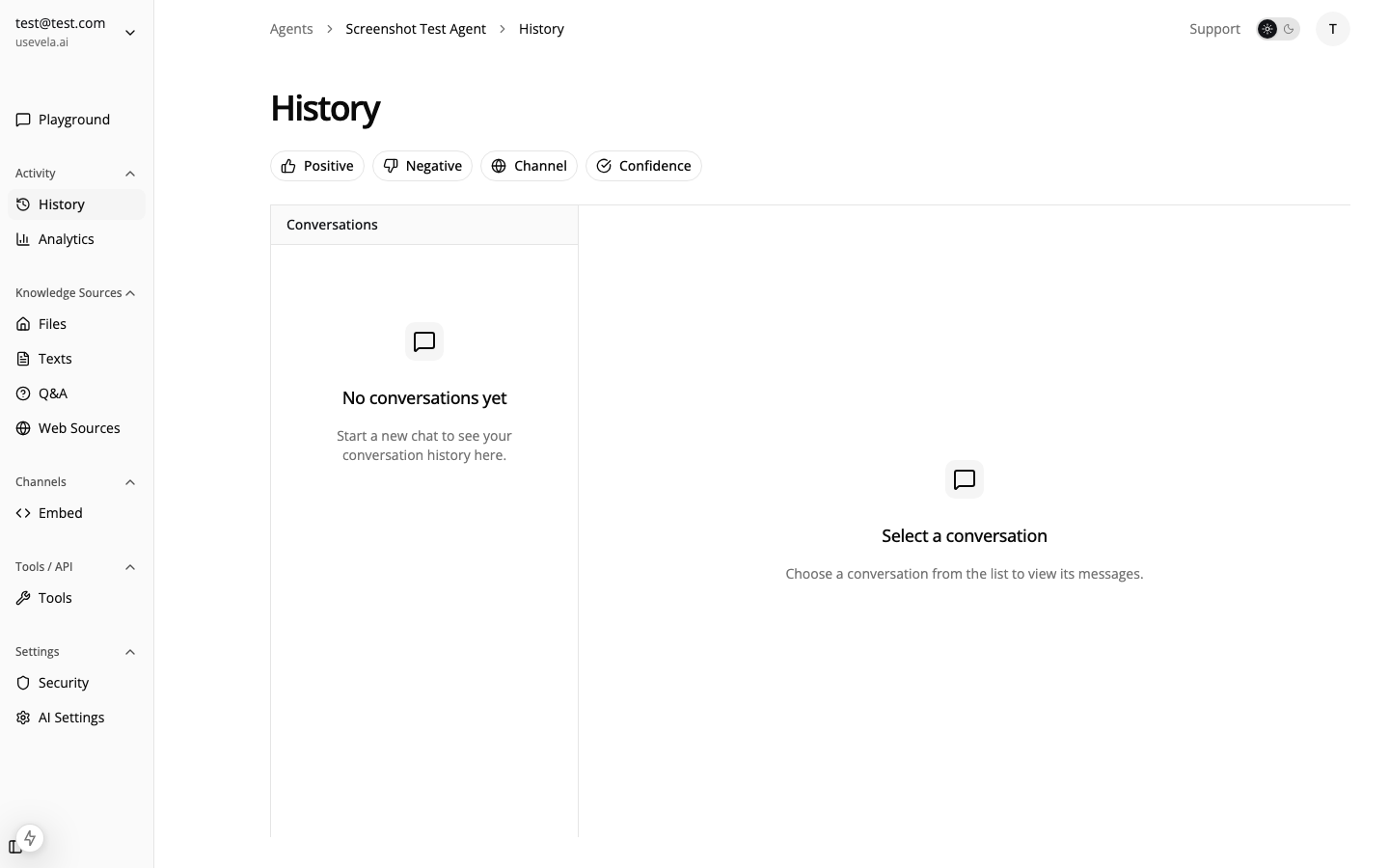
  • Filter by form/tool
  • View full conversation context
  • Export for CRM import
  • Track conversion metrics

Trigger Analytics

Monitor which triggers drive the most leads:
MetricWhat to Track
Fired CountHow often triggers activate
Converted CountHow many led to form submissions
Conversion RateOptimize underperforming triggers
Page PerformanceWhich pages generate most leads

See Also