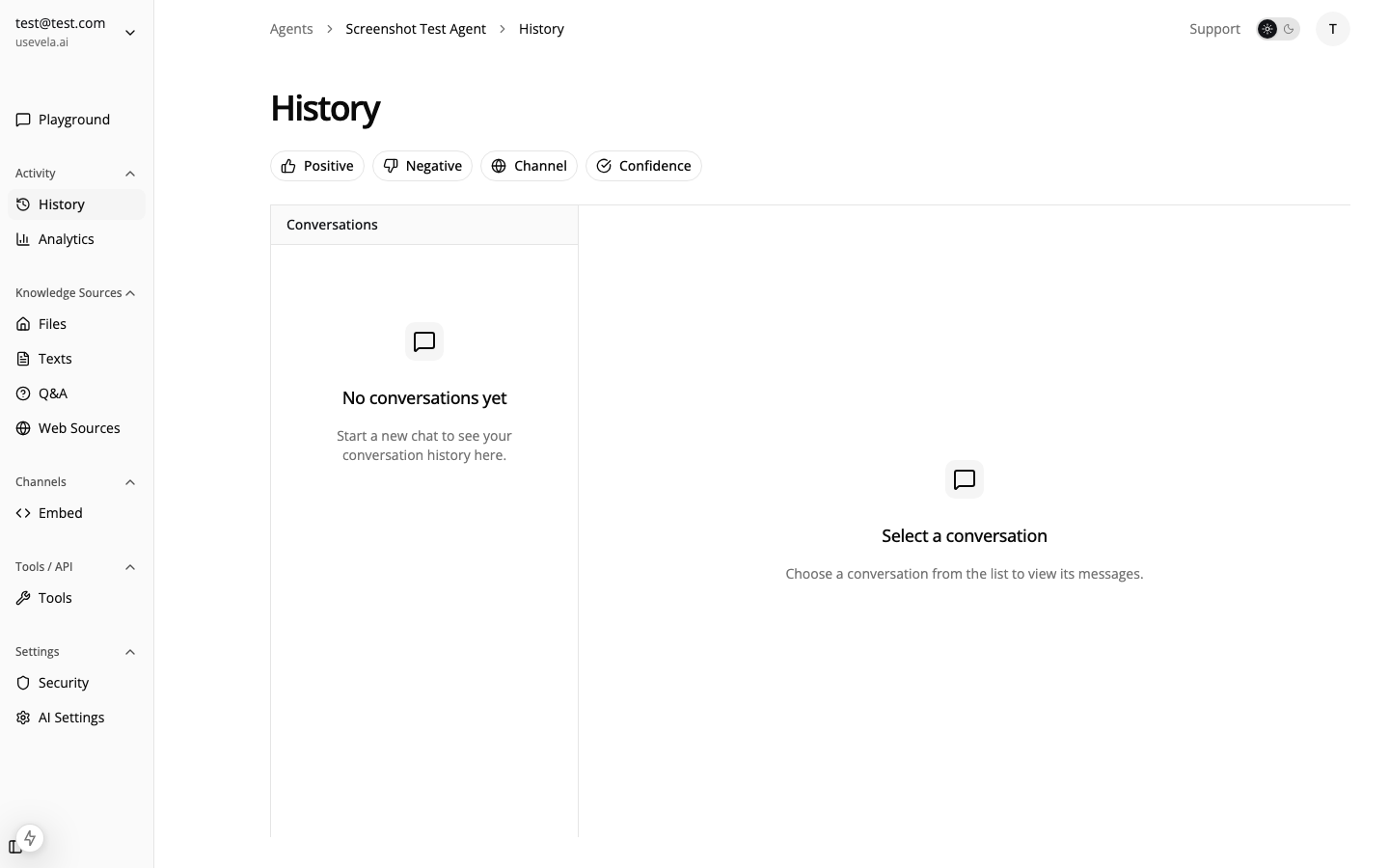
Overview

Ansa helps sales teams:
  • Engage website visitors at the right moment
  • Qualify leads through conversational AI
  • Capture contact information with smart forms
  • Route leads to your CRM automatically
  • Identify returning visitors for personalized follow-up
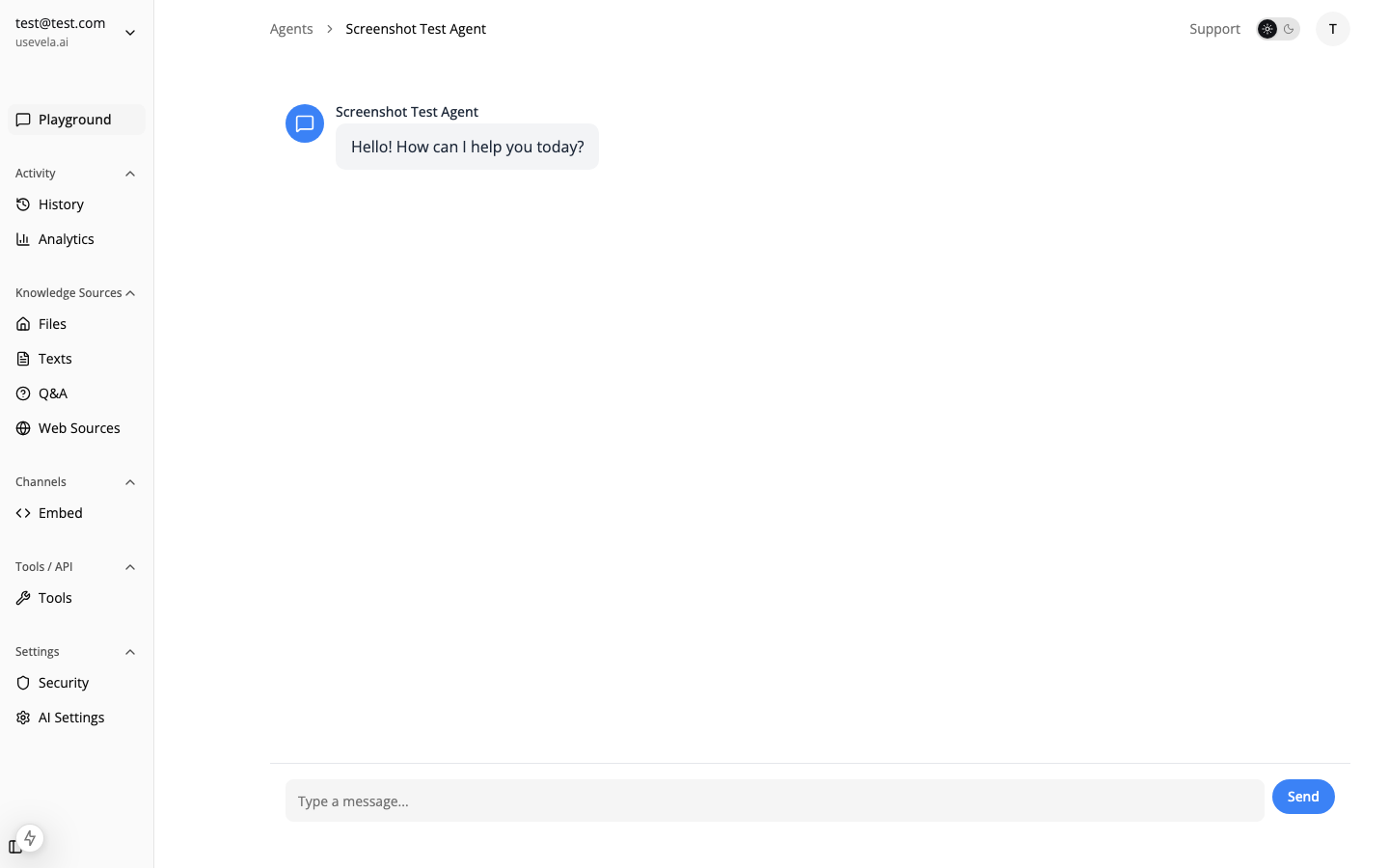
Sales chat conversation

1. Knowledge Base Setup

Train your agent on sales-relevant content: Recommended sources:
  • Product/service pages
  • Pricing information
  • Case studies and testimonials
  • Competitor comparisons
  • FAQs about your offering
Keep pricing and feature information up-to-date. Outdated information can lose deals.

2. Agent Settings

SettingRecommended ValueWhy
ModelClaude 3.5 Sonnet or GPT-4oNatural conversational flow
Temperature0.5 - 0.7Slightly higher for more engaging responses
System PromptSales-focused with qualification questionsSee example below
Example System Prompt:
You are a helpful sales assistant for [Company Name].

Your goals:
- Answer questions about our products/services accurately
- Understand the visitor's needs and use case
- Highlight relevant features and benefits
- When appropriate, offer to schedule a demo or collect contact info

Qualification questions to naturally work into conversations:
- What problem are you trying to solve?
- What's your timeline for implementing a solution?
- How large is your team?

Be helpful first, sales-focused second. Don't be pushy.

3. Lead Capture Form Tool

Create a form to capture qualified leads:
{
  "name": "schedule_demo",
  "description": "Use this when a visitor expresses interest in learning more, wants a demo, or asks about pricing for their specific use case.",
  "executionType": "form",
  "formSchema": {
    "fields": [
      { "name": "name", "label": "Your Name", "type": "text", "validation": { "required": { "value": true, "message": "Name is required" } } },
      { "name": "email", "label": "Work Email", "type": "email", "validation": { "required": { "value": true, "message": "Email is required" } } },
      { "name": "company", "label": "Company", "type": "text" },
      { "name": "team_size", "label": "Team Size", "type": "select", "options": [
        { "label": "1-10", "value": "1-10" },
        { "label": "11-50", "value": "11-50" },
        { "label": "51-200", "value": "51-200" },
        { "label": "200+", "value": "200+" }
      ]}
    ],
    "submitLabel": "Request Demo",
    "successMessage": "Thanks! Our team will reach out within 24 hours to schedule your demo."
  },
  "formPostActions": [
    { "type": "webhook", "url": "https://hooks.zapier.com/...", "headers": { "Authorization": "Bearer ..." } },
    { "type": "slack", "webhookUrl": "https://hooks.slack.com/...", "messageTemplate": "🎯 New demo request!\n\nName: {{name}}\nEmail: {{email}}\nCompany: {{company}}\nTeam size: {{team_size}}" }
  ]
}

4. Exit-Intent Triggers

Capture leaving visitors with strategic triggers:
TriggerConfigurationAction
Pricing page exitExit intent on /pricingShow form: β€œBefore you go, want a custom quote?”
Time on page45 seconds on product pagesOpen chat: β€œHave any questions about [Product]?”
Scroll depth50% on landing pageShow bubble: β€œWant to see how this works for your team?β€œ
Widget triggers
// Custom event for high-intent actions
window.ansa.trigger('viewed_pricing', { plan: 'enterprise' });

5. Identify Returning Visitors

Use visitor identification for personalized conversations:
// When user logs in or is identified
window.ansa.identify({
  userId: 'user_123',
  userMetadata: {
    name: 'Jane Smith',
    email: '[email protected]',
    plan: 'trial',
    company: 'Acme Inc'
  }
});
With identification, your agent can:
  • Greet visitors by name
  • Reference their company and use case
  • Pre-fill form fields with known information
  • Provide contextual responses based on their plan/status

CRM Integration

Connect form submissions to your CRM using webhooks: Popular integrations via webhooks:
  • Salesforce (via Zapier or direct API)
  • HubSpot
  • Pipedrive
  • Close.io
See Webhooks for payload structure and configuration.

Tracking Conversions

Trigger Analytics

Monitor which triggers drive the most conversions:
MetricWhat it Shows
Fired CountHow many times the trigger activated
Converted CountHow many led to form submissions
Conversion RateEffectiveness of your engagement strategy

Lead Analytics

Track in the Leads view:
  • Form submissions over time
  • Conversion by page/trigger
  • Lead quality indicators
Lead tracking

See Also