

Overview
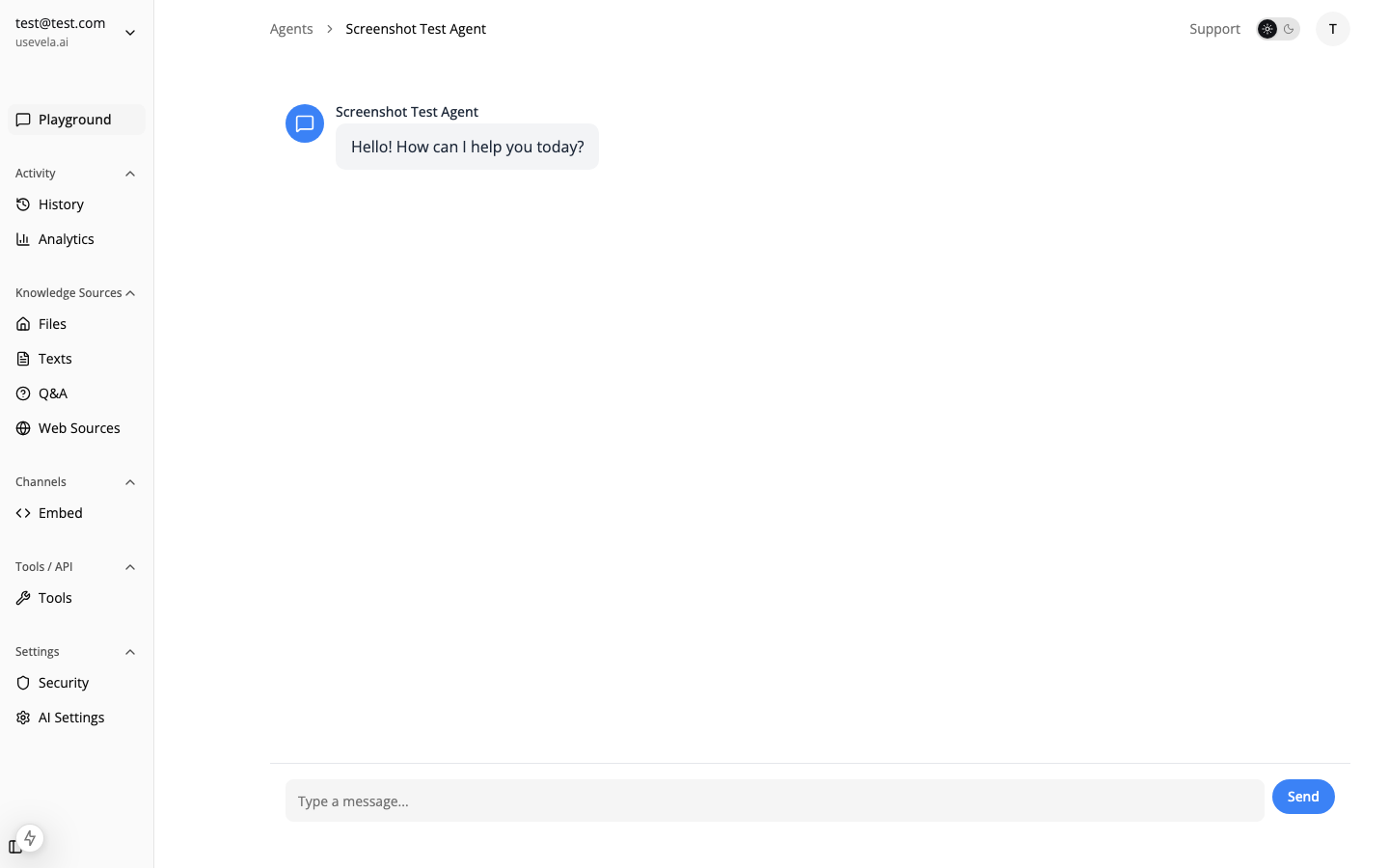
Ansa helps documentation teams:- Provide instant answers from your docs
- Reduce support tickets for documented topics
- Surface relevant articles naturally
- Identify documentation gaps from user questions
- Handle questions your docs don’t cover gracefully
Knowledge Base Setup
Indexing Your Documentation
Ansa supports multiple ways to index docs: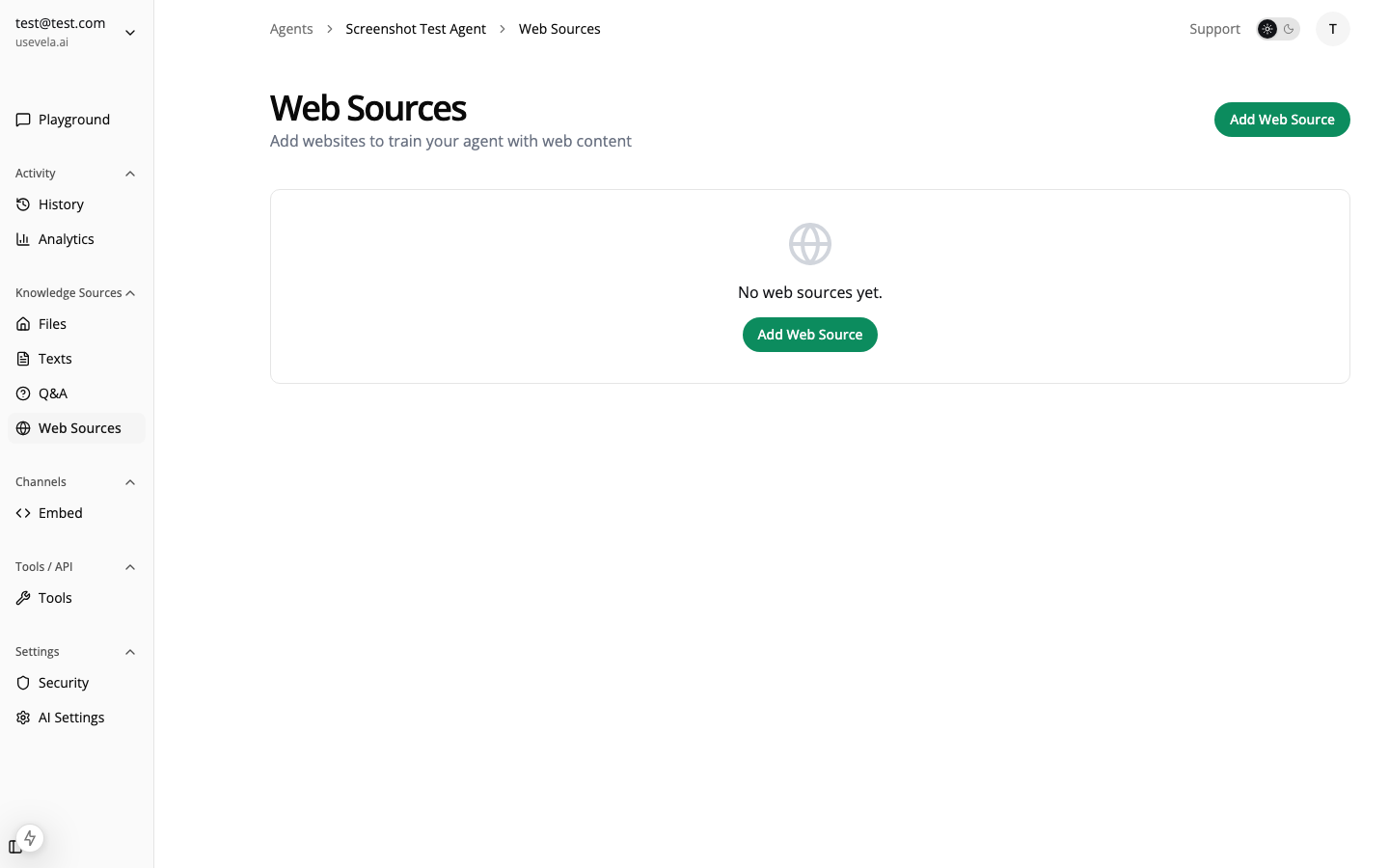
Web Crawling Tips
When crawling documentation sites:- Start from the docs root (e.g.,
docs.yoursite.com) - Set appropriate depth — Most docs need 3-5 levels
- Exclude irrelevant paths — Changelog, release notes (unless needed)
- Re-sync regularly — Set up scheduled syncs for updated content
Structuring Content for Best Results
Good documentation indexing: ✅ Clear headings and subheadings ✅ Concise paragraphs ✅ Code examples with context ✅ Descriptive link text Avoid: ❌ Single-page docs with everything ❌ Heavily nested accordions (may not crawl) ❌ Content loaded via JavaScript (use static/SSR)Agent Configuration
System Prompt for Documentation
Temperature Settings
Model Selection
For documentation assistants:Widget Configuration
Suggested Messages
Guide users to common topics: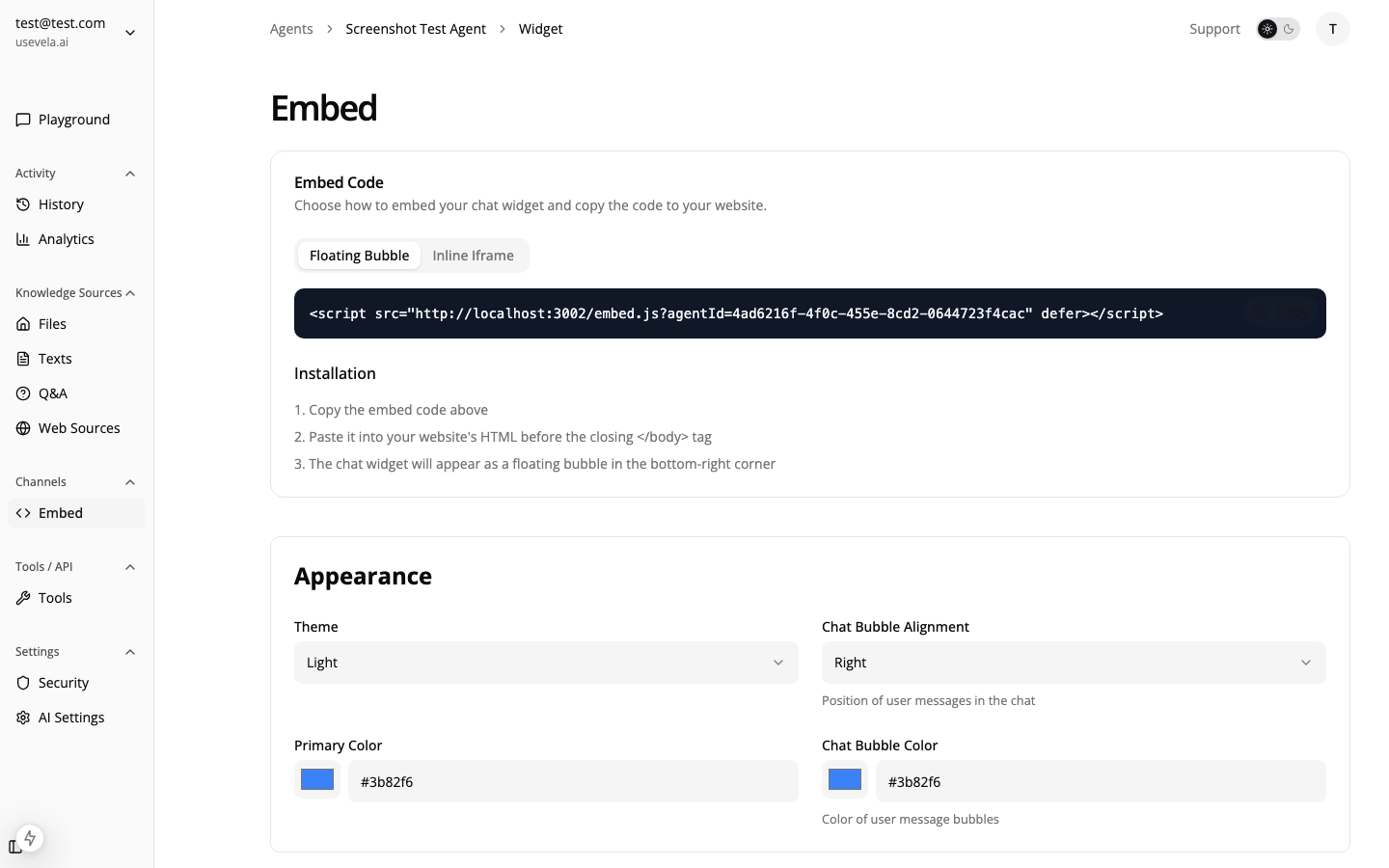 Configure suggested messages for quick access:
Placement
For documentation sites:Triggers for Documentation
Engagement on Complex Pages
Help users on lengthy or complex docs:Search Page Fallback
Engage users who might not find what they need:Handling Unknown Questions
When the agent can’t find an answer in the docs:1. Honest Acknowledgment
System prompt should include:2. Fallback Form
Create a form for questions that need human help:Identifying Documentation Gaps
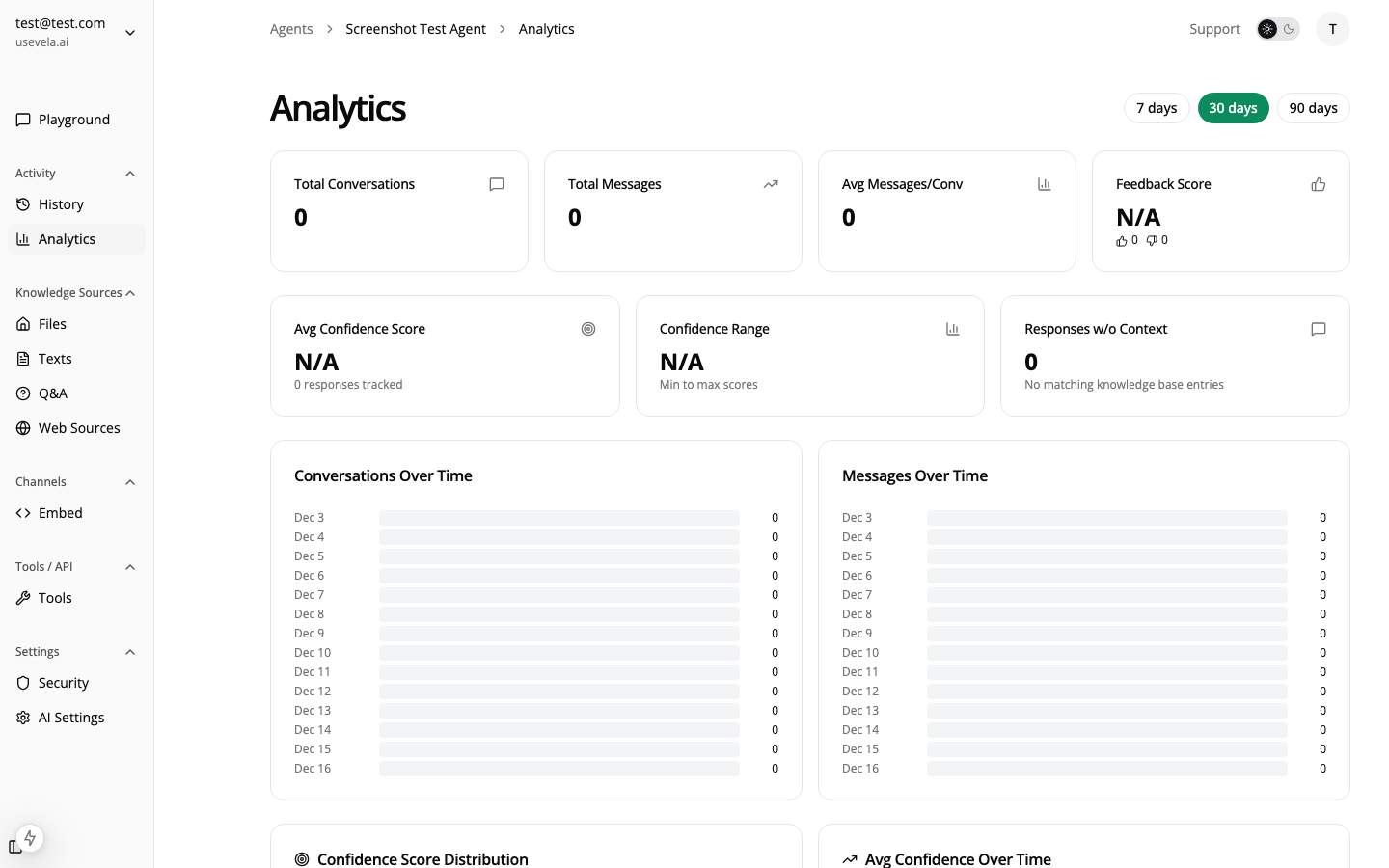
Review Low-Confidence Conversations
Use the analytics dashboard to find:- Questions with low confidence scores
- Repeated questions not well-answered
- Topics users ask about that aren’t documented
Create Q&A Pairs
For frequently asked questions not well-covered: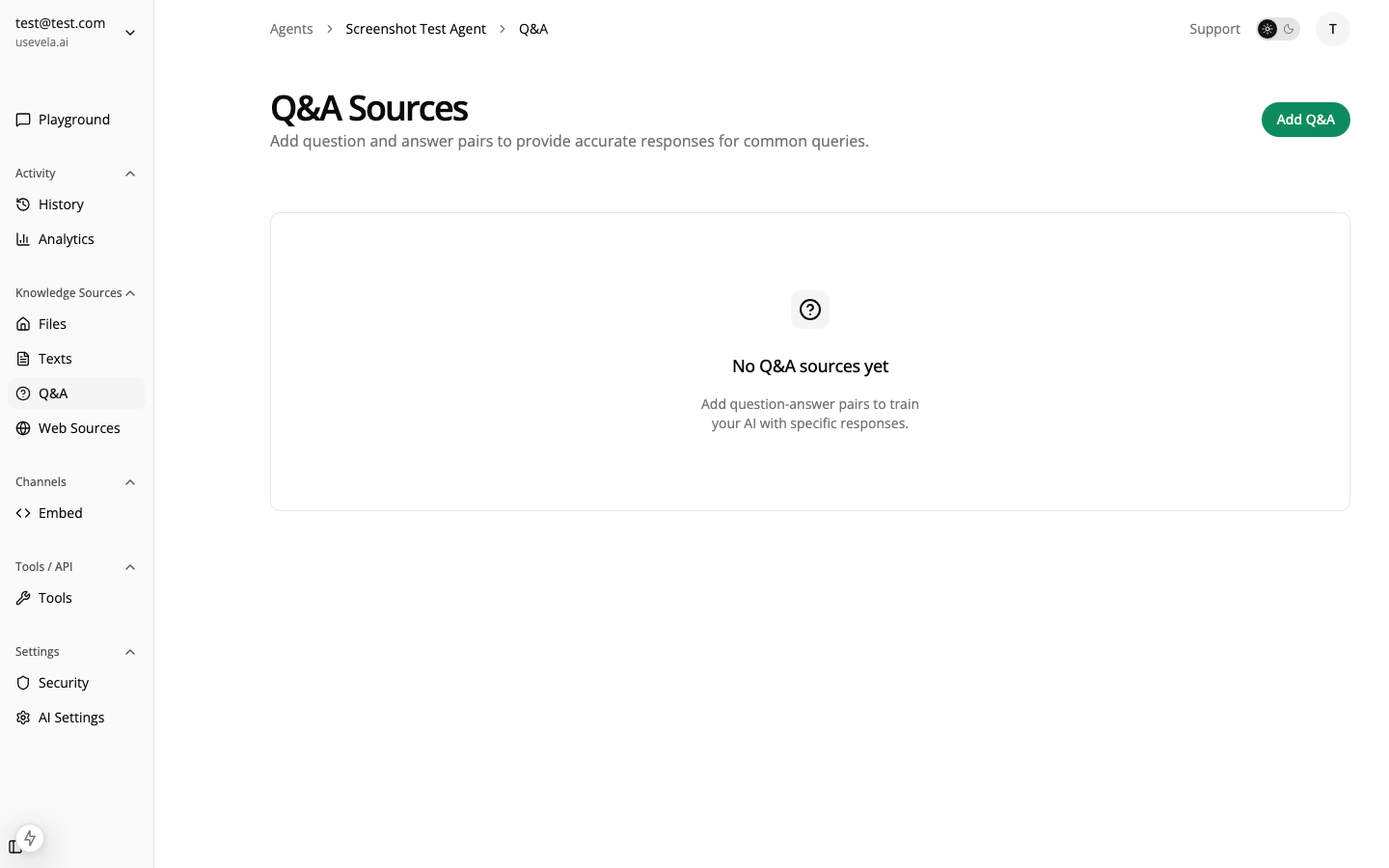
- Go to Knowledge Base → Q&A
- Add the exact question users ask
- Provide the ideal answer
- These get high priority in searches
Integration with Doc Platforms
GitBook, Docusaurus, Mintlify
Web crawl your public docs URL. Ensure:- Content is server-rendered
- No robots.txt blocking
- Sitemap available for best coverage
Notion, Confluence
For internal docs:- Export as PDF or markdown
- Upload via file sources
- Set up periodic re-uploads for updates
API Reference (OpenAPI)
Upload your OpenAPI/Swagger spec as a file source. The agent will understand:- Endpoints and methods
- Request/response schemas
- Authentication requirements
See Also
- Knowledge Base — Source types and configuration
- Widget Customization — Suggested messages, themes
- Confidence Scores — Understanding answer quality
- Q&A Sources — Adding vetted answers